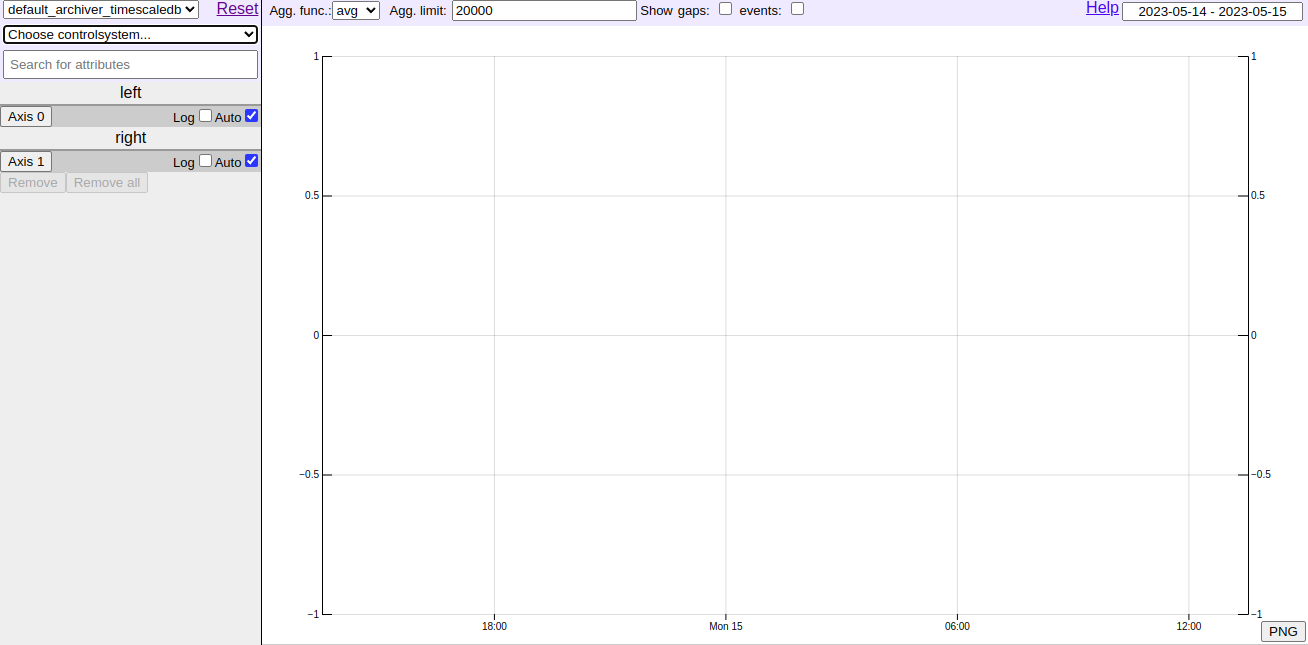
Archviewer
A simple web interface to the HDB++ archiving system for graphical representation of attributes in real time
To retrieve archived data using web based GUI Archviewer
- Steps to retrieve data.
To access the archviewer instance in STFC, get the latest external IP and port from k8s-test job. Make sure STFC VPN connection is on.
OR,After getting KUBECONFIG file locally run command as shown below to get details of service.
kubectl --KUBECONFIG=<kubeconfig_filename> get svcCopy the external-ip and port as shown below and paste it in new tab in browser.
<external-ip>:<port>
Can be accessed using following link:
archviewer.<KUBE_NAMESPACE>.svc.cluster.local:8082Note VPN will be required.
Archviewer: